tcpMDT
Modifying vertical alignment - MDT26
8.9 Modifying Vertical Alignment
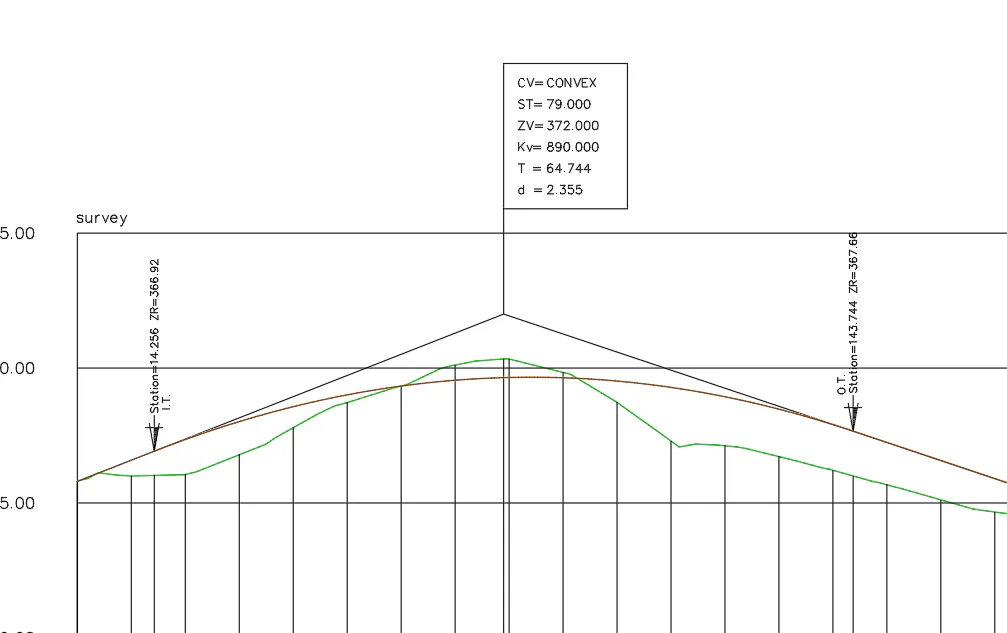
Then, after drawing the profile we have detected that the curve constant value of the second grade line vertex is not correct. Thus, we run the command Vertical Alignments> Vertical Transition Curve (or V.Alignment> Edit > Vertical Transtion Curve) and we select the first grade line vertex. We assign value 890 to KV and press the "enter" key so that the other values are recalculated.
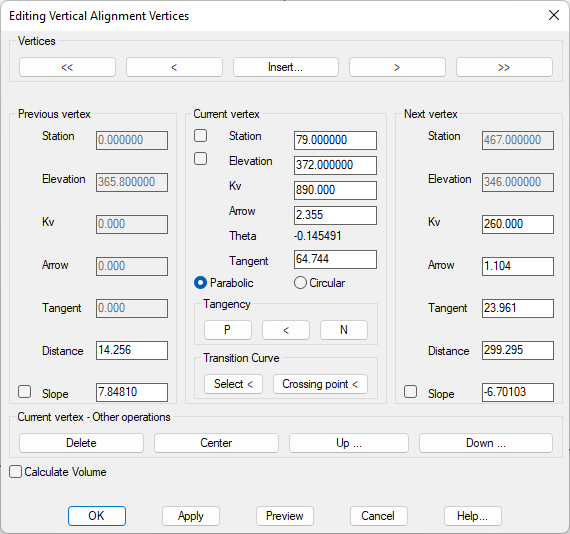
When the dialog box is validated and confirmed, we observe how the drawing of the grade line is updated automatically with the agreements, then a message will be displayed, asking if you want to update the associated segment, you should answer yes.