tcpScancyr
Layers - TNSB3
25.4 Layers
You may hide or display the layers that make up the drawing. For this reason you need to open Layer Control and select the light bulb icon. The name of the layer cannot be altered.
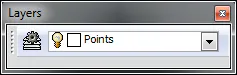
Figure 68 - Layers
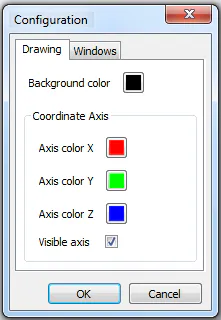
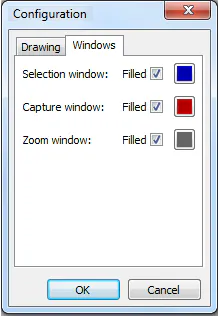
[TcpScancyr Basic] By clicking on the Set Up icon you can change the background color, the reference axes and the zoom and selection windows.
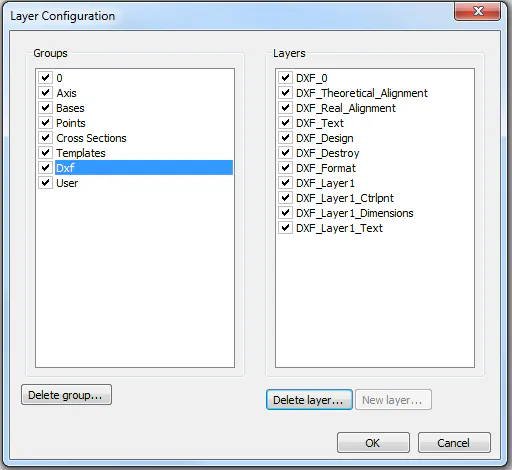
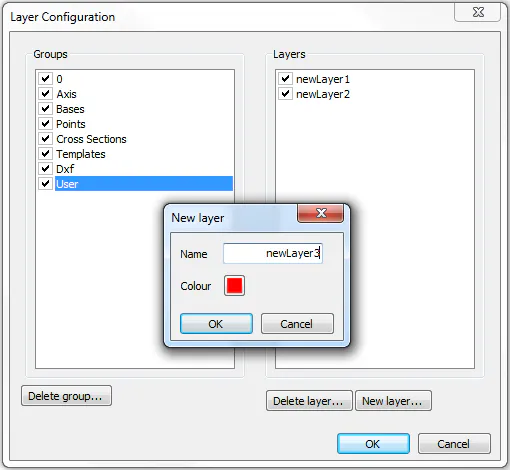
[TcpScancyr Advanced] Pressing configuration button we can see the list of layers sorted by group. This dialog allows also to hide layer groups, remove layers from groups "Dxf" and "User", as well as create new layers in this group.