
tcp PointCloud Editor
Edit with model reference - PCE
7.26 Edit with Model Reference
Location
- Ribbon menu
- Editing
- EDIT
- Model Reference (Edit with Model Reference)
Description
This command allows interactive selection and deletion of points on an area of the point cloud.
To do this, a triangulation of the points in that area is displayed as a surface, so that the user can select and delete points until the surface has the desired shape.
Details
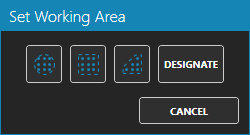
You can select the area of the point cloud where you want to remove points. A surface will be created and displayed on the selected area. The maximum number of points that can be selected is 1000000.
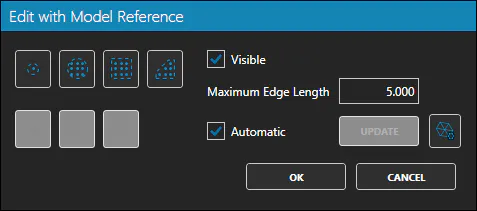
You have different options to select the points to be deleted. The surface will be reconstructed after each deletion. This way, you can see the changes close to real time.
Use cases
-
When you want to remove a set of points that are not part of the surface of the object.
-
When it is difficult to locate noise points in a work area.