
tcpMDT
Interval - MDT26
Interval
 | Command to execute in the CAD |
|---|---|
Vertical menu | MDT26 > Break Lines > Create Break Lines > Interval |
Ribbon menu | Break Lines > Creat > Interval |
Command line |
This option is aimed at making it easier (whenever possible) to draw break lines. After selecting the layer on which the polyline is to be drawn, the program requests the following information:
Initial Point: Number of the first point to be processed, which must be defined.
Final Point: Number of the final point to be processed, which must also be defined.
Interval: Whole number increment (positive or negative) in the numbering.
For example, if one wishes to join points 1, 3, 5, 7 and 9 in that order, we will reply with 1, 9 and 2 to the above questions.
Additionally, the command features the option of using the suffixes in the names of the points, in other words, joining all the points in accordance with the interval indicated and with the suffix specified in the initial point.
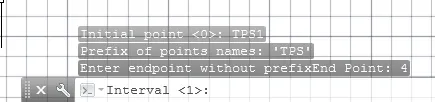
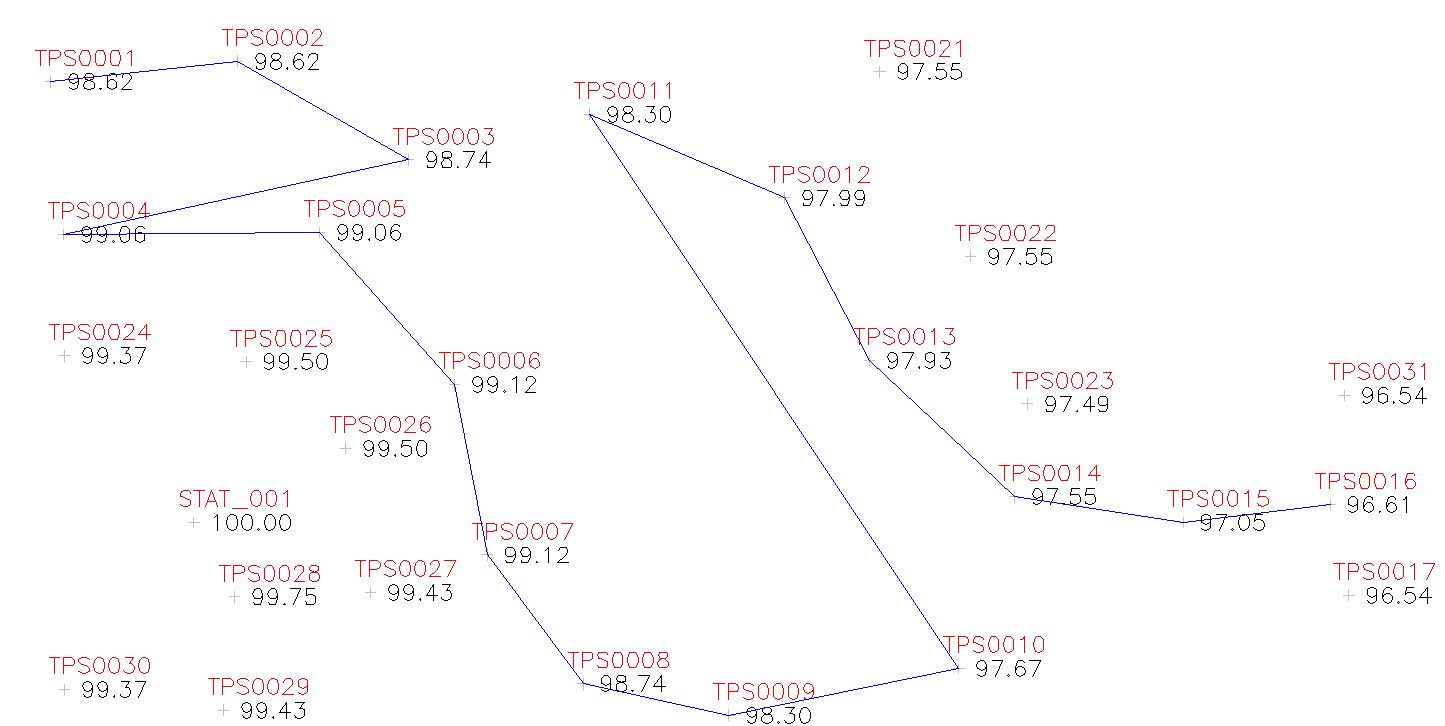
The shot below shows the command being executed by inserting "TPS1" as the initial point, "16" as the final point (without a suffix) and "1" as the interval.
The final result can be seen in the following image:
All the points in the sequence do not have to exist although the first and the last must be defined.