
tcpMDT
Modify Lines - MDT26
Modify Lines
 | Command to execute in the CAD |
|---|---|
Vertical menu | MDT26 > Break Lines > Edit Break Lines > Modify Lines |
Ribbon menu | Break Lines > Edit > Modify |
Command line |
This command allows one to edit polylines that define break lines, boundary, islands, etc., thereby facilitating and improving the process of moving, inserting or deleting polyline vertices.
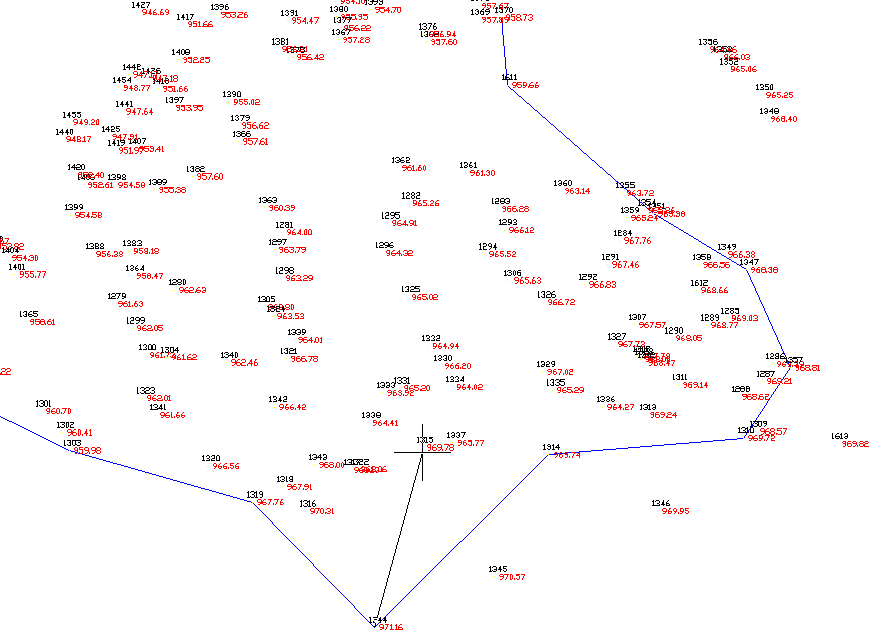
Firstly, the program requests the polyline to be modified, and then displays three types of
modifications on the command line:
Move: Displaces the vertex selected to the closest surveying point.
Insert: Adds a new vertex on the section of the polyline selected.
Delete: Deletes the vertex selected.