tcpMDT
[PRO] Boxing - MDT26

Boxing
 | Command to execute in the CAD |
|---|---|
Vertical menu | MDT26 > Templates > Boxing |
Ribbon menu | |
Command line |
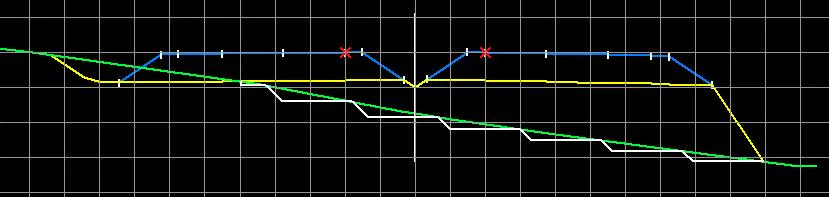
With this command we define the slope existing beneath the natural terrain in the case of fill, also called berms.
The program will first request an existing template file on which to define the berm to apply.
Once the file is selected, the following window is displayed to define the berm parameters.
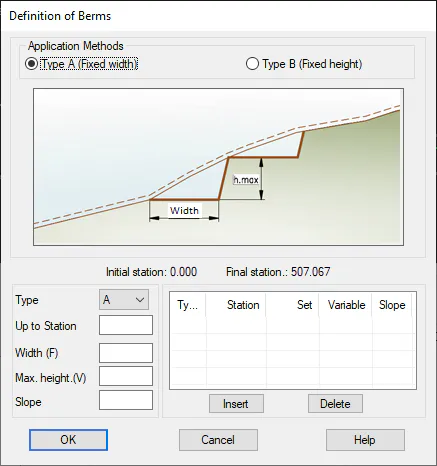
Application Methods: It is possible to apply two different types of berm:
Type A: In this case the width of the berm, that is the horizontal section is fixed, but the step height is variable.
Type B: In this case on the other hand, the height of the step is fixed, and the width of the flat surface is variable.
Up to Station: Station up to which the berm is defined.
Width: Width of the step of the berm or berm. This will be fixed or variable depending on the type of berm selected.
Height: Height of the step. Its value will likely depend on the berm type applied.
The Insert and Delete buttons are used to control the different berm types to introduce in a particular road.