Support
An error occurs when editing a point
When trying to edit a point, after selecting it, an error message appears instead of the edit window.
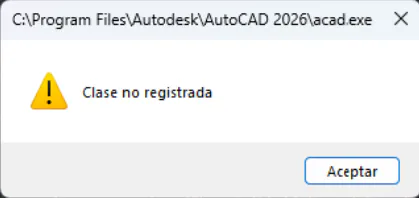
Normally, this is due to a missing Windows component. It can be resolved by running the Dep2.exe file from the c:\Program Files (x86)\aplitop\mdt26\bin directory. If a Windows Update window appears when doing this, you must terminate the update process.
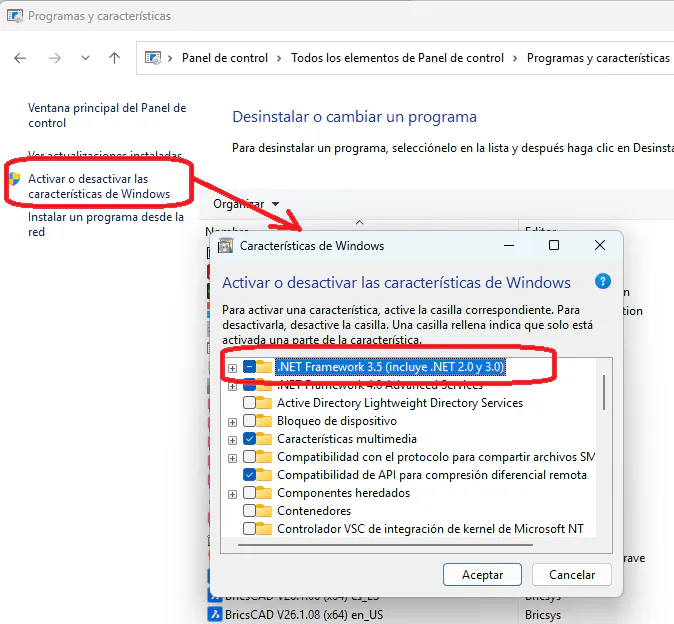
You can also verify that the .NET Framework 3.5 Windows component is installed.