tcpMDT
[PRO] Draw Cuts - MDT26

Draw Cuts
 | Command to execute in the CAD |
|---|---|
Vertical menu | MDT26 > Networks > Sections in Profile View > Draw Cuts |
Ribbon menu | Networks > Profiles > Draw Cuts |
Command line |
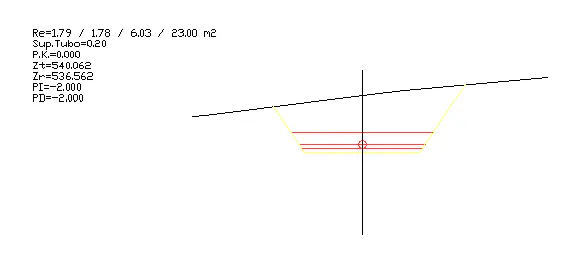
When you select this command, it will successively ask us for the configuration files of the pipe section (TUB) and the segment file to be drawn. Then, the usual window of drawing cross-sections will appear and when validating it the section of the road with the pipe and the roadbed layers defined will be drawn.
The surfaces of the pipe section would be additionally displayed along with that of each of the defined layers.