
tcpMDT
[PRO] List Nodes - MDT26

List Nodes
 | Command to execute in the CAD |
|---|---|
Vertical menu | MDT26 > Networks > Nodes > List Nodes |
Ribbon menu | Networks > Nodes > List |
Command line |
This command will provide us with a list of the nodes of a specific network. We will first be asked for the network from which we wish to obtain a list of nodes:
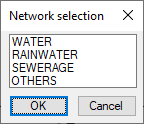
Once the Network has been selected, a list will be displayed with all the Nodes in that Network.
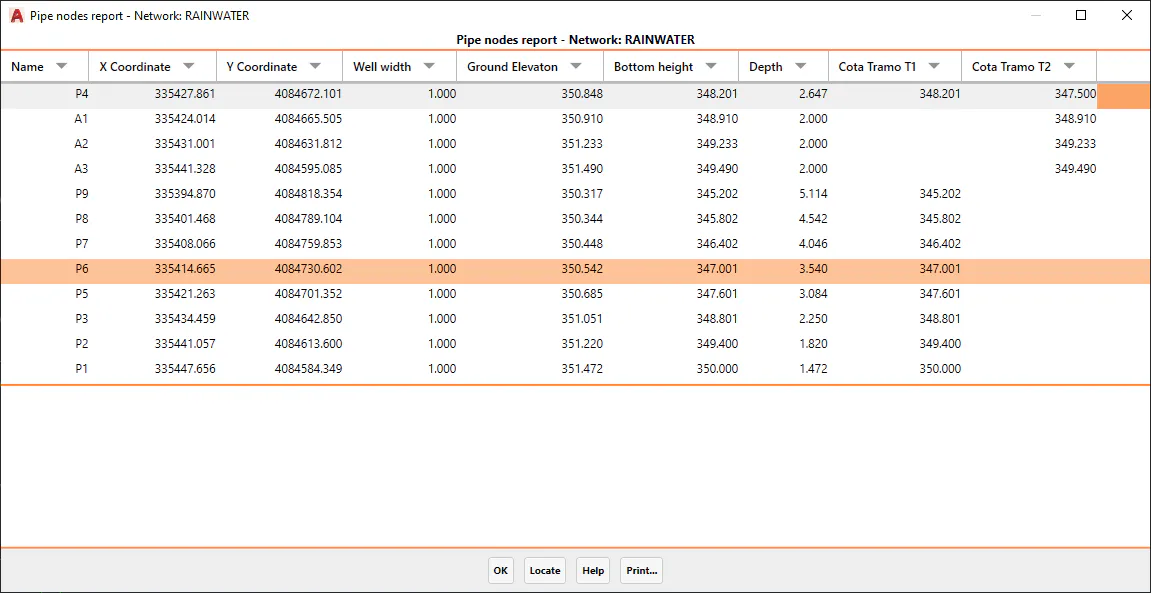
This report, in the same way as other lists of other MDT commands, will enable us both to print it and to locate and select any of the nodes on the list.