tcpMDT
[PRO] Volume Report - MDT26
Volume Report
 | Command to execute in the CAD |
|---|---|
Vertical menu | MDT26 > Networks > Sections in Profile View > Volume Report |
Ribbon menu | Networks > Profiles > Volume Report |
Command line |
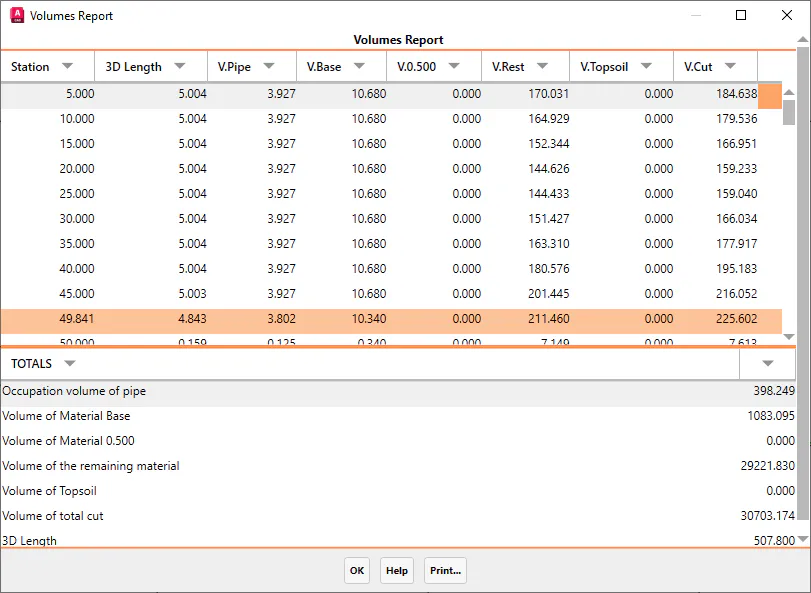
This command, like the previous one, will request the definition file of the pipe and the segment file and will show us a complete area and volume report of the different elements that make up the defined pipe section.
Once the segment is selected, it will ask us for the initial and final stations between which we want to perform the calculation, to finally show the list shown below.
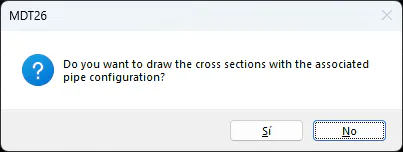
Upon validating the dialog, a notification will appear to draw the pipe section in elevation, that is, to directly call the command Networks > Sections in Profile View> Draw Cuts.