tcpMDT
[PRO] List Pipes - MDT26

List Pipes
 | Command to execute in the CAD |
|---|---|
Vertical menu | MDT26 > Networks > Pipes > List Pipes |
Ribbon menu | Networks > Sections > List |
Command line |
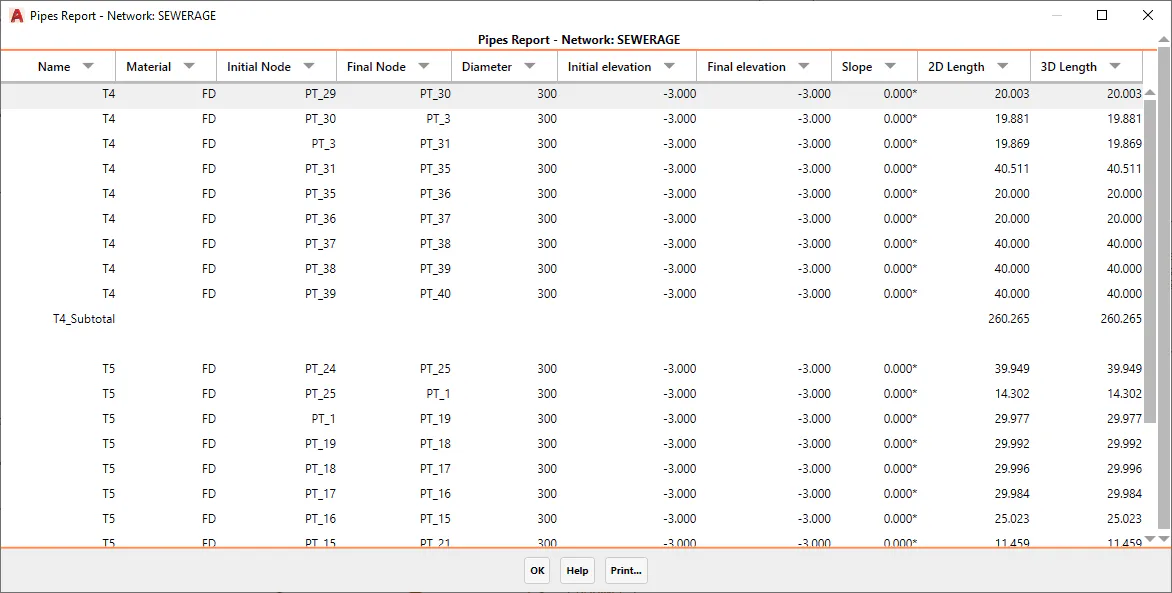
This command enables us to list the existing pipes in a specific network. We will first be asked for the network we wish to list.
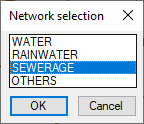
After selecting the network, a list will appear similar to that illustrated below with the characteristics of each pipe.