tcpMDT
Identify Coordinates - MDT26
 | Command to execute in the CAD |
|---|---|
Vertical menu | MDT26 > Utilities > Identify Coordinates |
Ribbon menu | Utilities > Drawing > Coordinates |
Command line |
Identify Coordinates
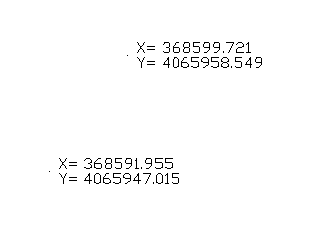
This command allows one to identify and label the coordinates of the points selected in the drawing. Initially the following message is displayed in the command line:
Enter Height/:
One can enter the height of the texts to be labeled by clicking on the Height option. Then one has to simply select the points to be labeled with the cursor.