tcpMDT
Draw multiple cross sections - MDT25
11.25 Draw Multiple Cross-Sections
This command allows one to view the evolution of earthworks on screen by graphically comparing different cross-section files corresponding to different phases or stages of the work.
The program successively requests each of the cross-sections one wishes to view. Once all the files are selected, the Cancel button should be clicked to prevent the input of more files.
Lastly, the program displays the window shown below:
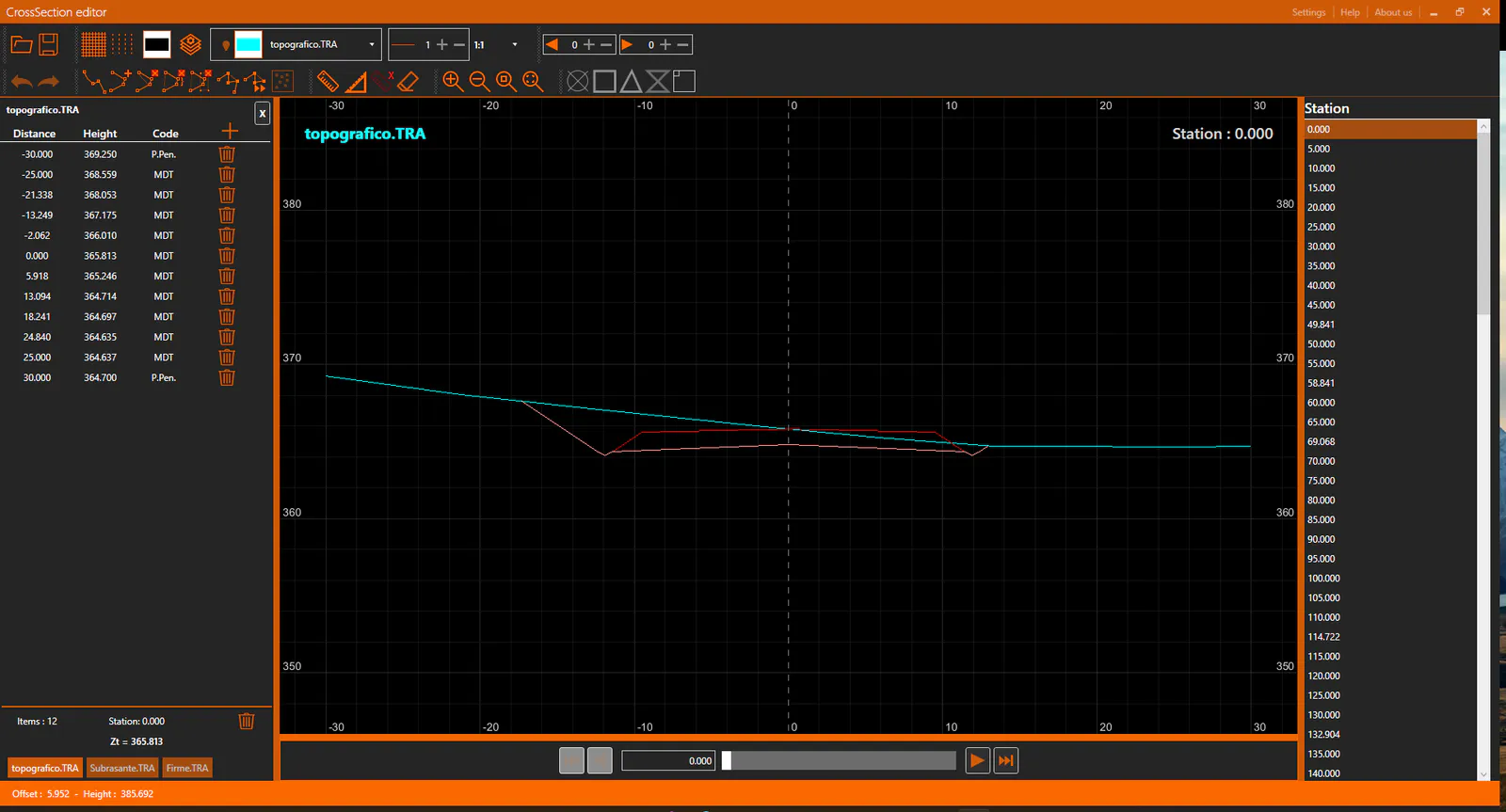
This dialog box's characteristics are described in detail in the Edit Cross-Sections section.
In addition, the Draw button is displayed, which takes one to the cross-section profile drawing window.
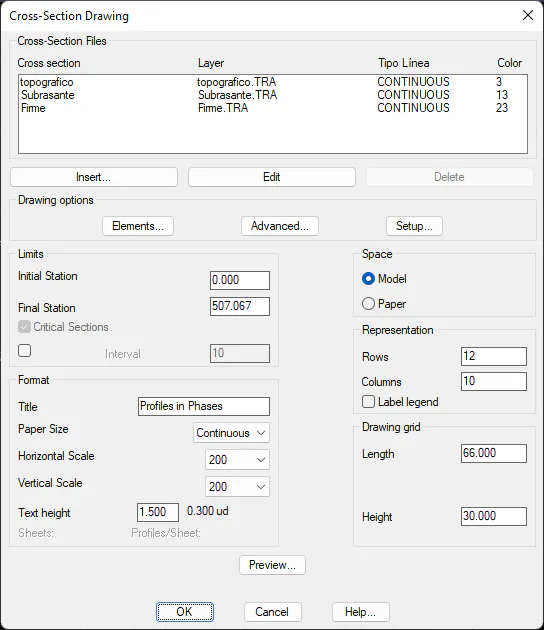
A detailed description of this dialog box can be found in the Cross-Sections > Draw Cross-Sections command.
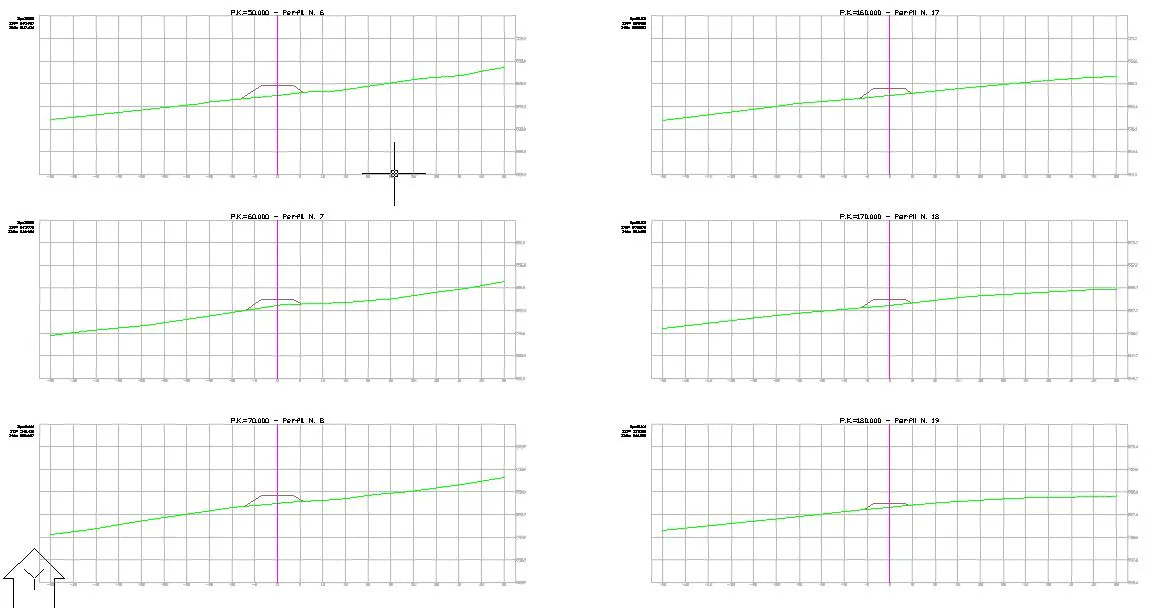
Finally, an example of this command is shown below.