
tcpMDT
List cross sections - MDT25
11.34 List Cross-Sections
When this option is selected, the usual file selection window appears containing .TRA extension files and the working directory of the last file selected. Once the file desired has been selected, the program will display an on-screen list through the dialog box shown below.
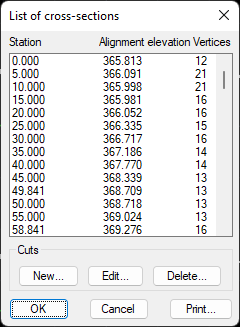
This window displays all the cross-section cuts with the alignment height and the number of vertices of each. All these cuts can be deleted completely or edited.
New: To create a new cut.
Edit: Editing of all the cuts of the element selected.
Delete: To completely delete the cut selected. It will delete all the vertices corresponding to the selected code.
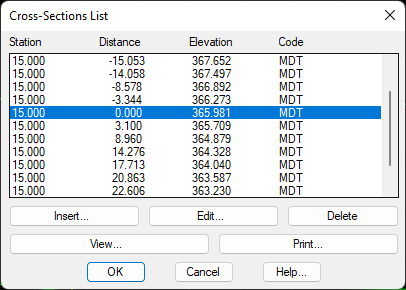
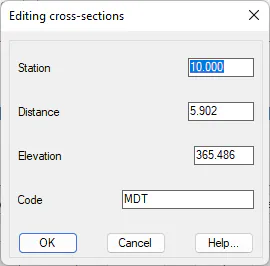
Edit: Allows one to change the station, distance, height or code of the station selected. In order to do so, the following window is displayed.
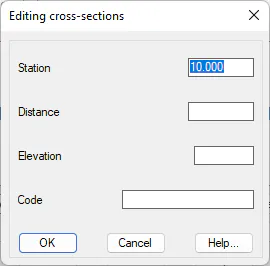
Insert: Allows one to insert new characteristic points in a specific cross-section profile. Subsequently, MDT will update the list and sort the cross-section cuts. The window displayed when the element is inserted is shown below.
Delete: This deletes the data corresponding to vertex of the cut belonging to the cross-section selected.
Print: Allows the list to be printed on hard copy or sent to a text file.
View: This enables viewing the edited cut with the possibility to make modifications to each of its vertices. Consult the command Check Cross-Sections.