tcpMDT
[PRO] Draw Widenings - MDT26

Draw Widenings
 | Command to execute in the CAD |
|---|---|
Vertical menu | MDT26 > Roads/Segments > Widenings > Draw Widenings |
Ribbon menu | Roads > Widenings > Draw |
Command line |
Widenings are drawn from this command, using the specific parameters entered previously.
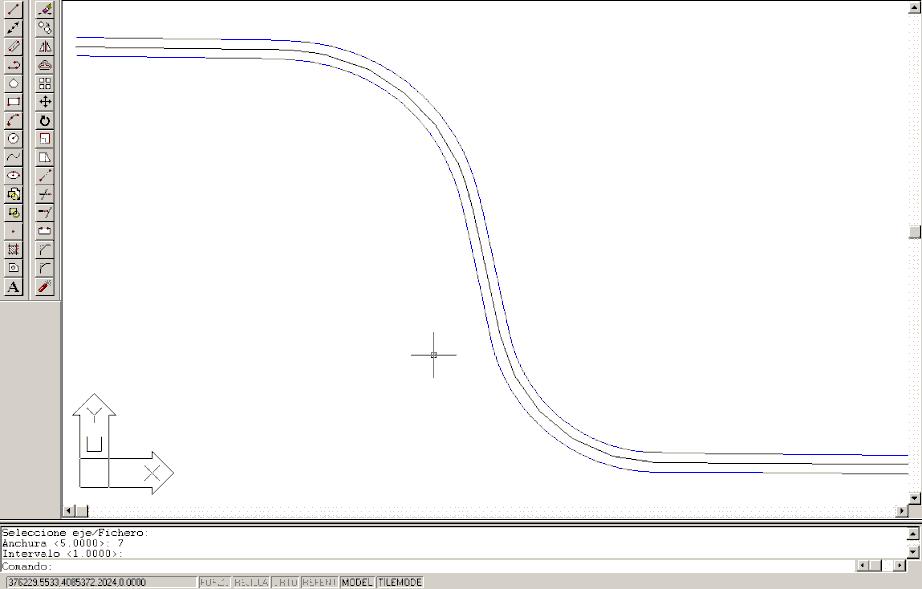
When the command is executed, the program first requests the widenings file, then the horizontal alignment from which the widenings were generated, the Width to left and right of the platform's horizontal alignment, and the discretization Interval of the polylines to be drawn.
The program will generate two discretized polylines with the interval specified on both sides of the alignment. The widenings parallel to the alignment can be seen in the image below.