tcpMDT
[PRO] Road. Pro Draw Cross Sections - MDT26

Draw Cross-sections
 | Command to execute in the CAD |
|---|---|
Vertical menu | MDT26 > Roads/Segments > Draw Cross Sections |
Ribbon menu | Roads > Drawing > Cross Sections |
Command line |
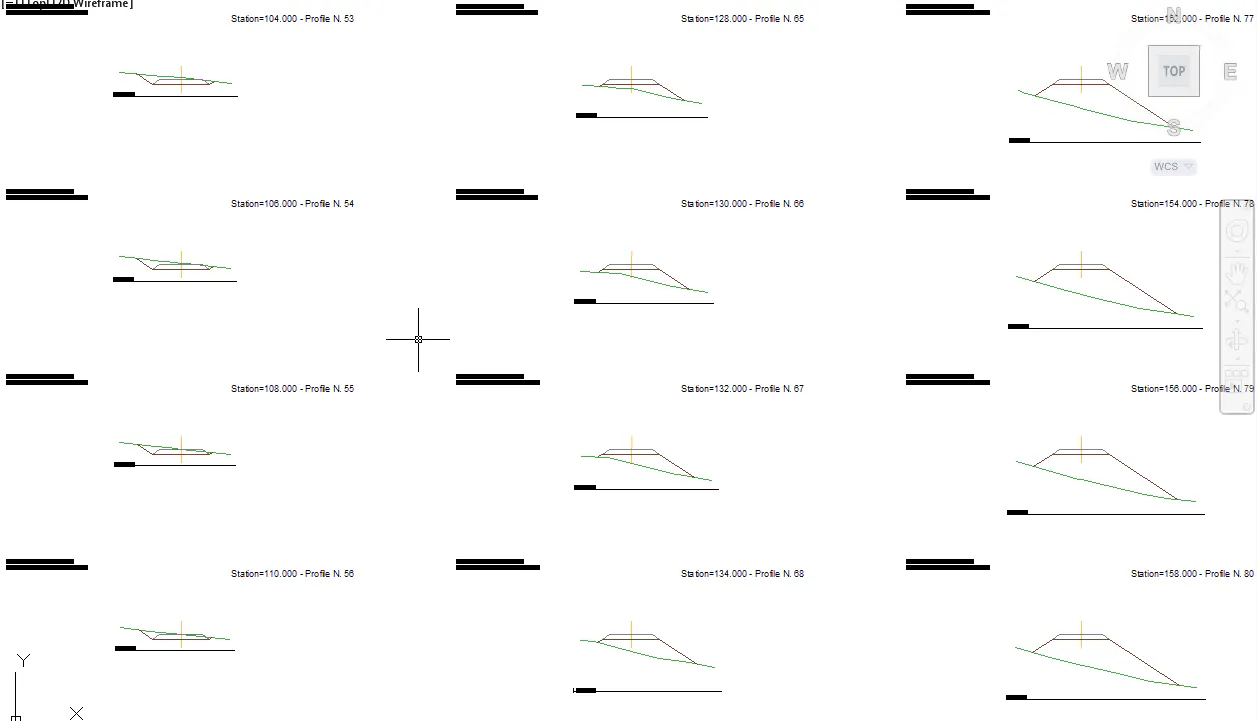
This command is used to create a drawing of the sections on elevation plan view. Initially it will request the segment and then it will display a window in which all the drawing options are managed. This option is explained in more detail in the subsection Draw cross-sections in the section on Cross-sections.