
tcpMDT
[PRO] Generate Superelevations from Alignment - MDT26

Generate Superelevations from Alignment
 | Command to execute in the CAD |
|---|---|
Vertical menu | MDT26 > Roads/Segments > Superelevations > Create Superelevations from Alignment |
Ribbon menu | Roads > Superelevations > Create from Alignment |
Command line |
The superelevation associated with an alignment is generated using this command. The program initially requests the alignment from which the superelevation is meant to be generated. Then it displays the following dialog box to set its characteristics.
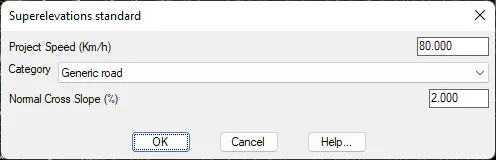
Category: We establish the category of the road to be defined and in line with this choice one or another cant table will be selected. These categories will be depending in the Roads Regulations selected under Configuration.
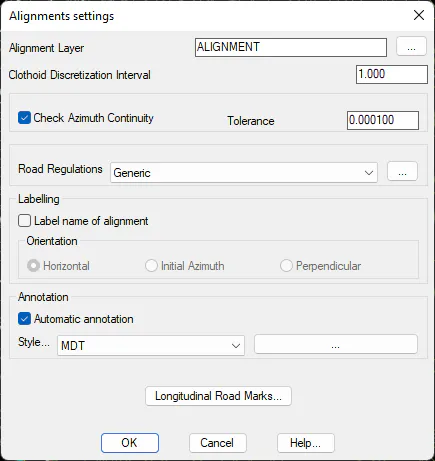
Once the dialog box has been validated, the program will request the file name (with extension. PER) where the superelevation generated is to be saved.
A series of vertices is generated for each section of the horizontal alignment with values for the station, superelevation to the left and superelevation to the right pursuant to the road regulations and considering the superelevations tables defined. See Alignments > Superelevations Table for further information.