tcpMDT
Insert Line - MDT26
Insert Line
 | Command to execute in the CAD |
|---|---|
Vertical menu | MDT26 > Surfaces > Insert Lines |
Ribbon menu | Surfaces > Edit > Insert Line |
Command line |
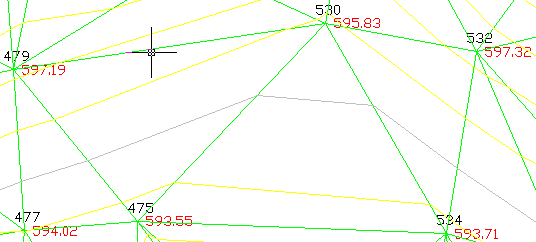
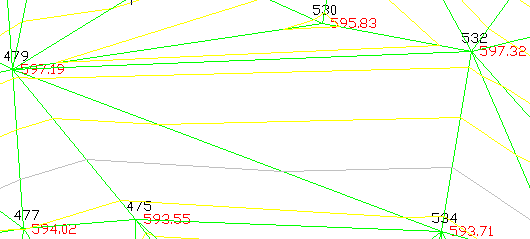
As well as inverting the direction of a surface line, a surface can be modified by inserting a line between two random points. Once the points have been selected with the mouse, the program removes the triangulation lines that intersect the new line and triangulates the surrounding area once again.