tcpMDT
[PRO] Earthworks by Cutting Foot - MDT26

Earthworks by Cutting Foot
 | Command to execute in the CAD |
|---|---|
Vertical menu | MDT26 > Surfaces > Grading > by Cutting Foot |
Ribbon menu | Surfaces > Grading > Cutting Foot |
Command line |
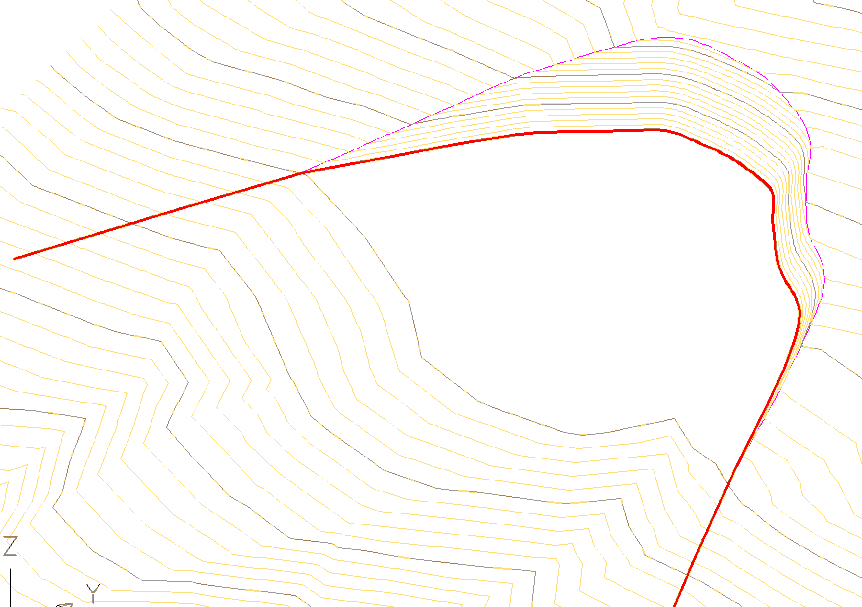
This command is equivalent to Earthworks by Platform Elevation, with the peculiarity that only the platform and its slopes are generated where there is a cutting volume. No cutting area is generated in the current surface.
An image of the original terrain is shown in the illustration below. It contains a highlighted polyline that defines the cutting foot boundary desired.
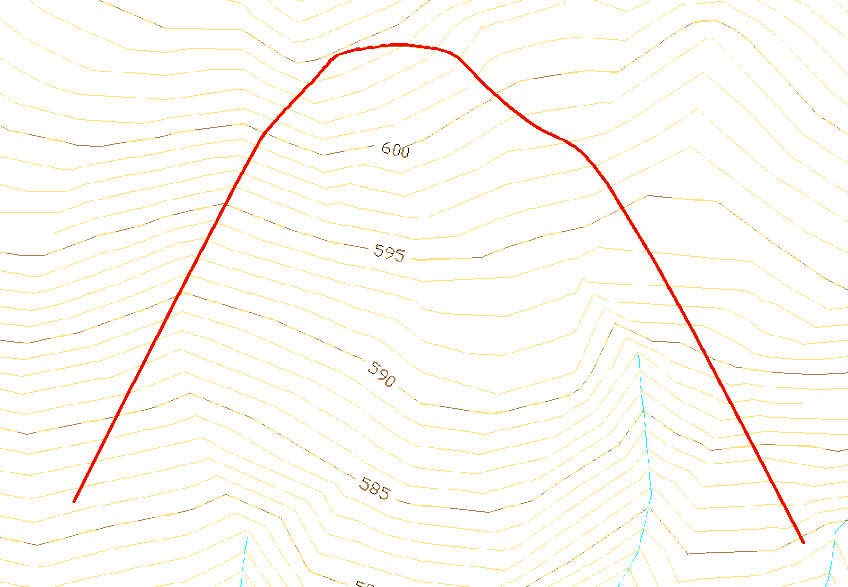
If one defines as the direction the direction of the slopes towards the outside of the area defined by the polyline, the following result is obtained: From the polyline and starting from the elevation of 595, on one side a cutting slope has been created and towards the other side a horizontal platform.