tcpMDT
[PRO] List Samples - MDT26

List Samples
 | Command to execute in the CAD |
|---|---|
Vertical menu | MDT26 > Surfaces > Geotechnics > List Samples |
Ribbon menu | |
Command line |
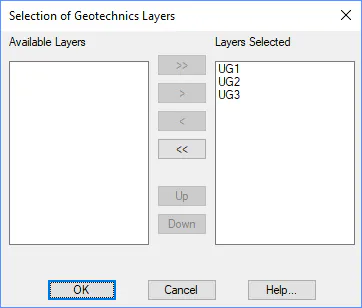
To check whether the points in a drawing contain geotechnical information, this command can be executed. First, the points of the drawing are analyzed, and the layers found are shown.
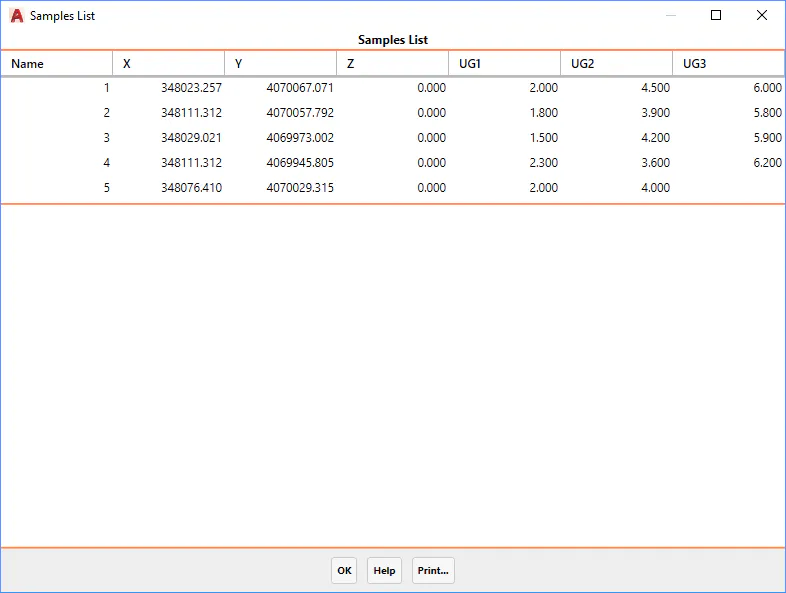
Once at least one layer is selected, a list with the name of the points, their coordinates, and thicknesses of the layers appears. The points that do not have geotechnical information do not appear in the list.