tcpMDT
[PRO] Fit to Long Section - MDT26

Fit to Long Section
 | Command to execute in the CAD |
|---|---|
Vertical menu | MDT26 > Vertical Alignments > Modify > Fit to Long Section |
Ribbon menu | V.Alignments > Utilities > Adapt to Profile |
Command line |
The purpose of this command is to copy the long section on the vertical alignment between given stations. This tool may be very useful for automatically adapting the gradient al to the terrain between given stations, for example, in the case of intersections.
With this in mind, we must initially have drawn the long section with the associated vertical alignment, then we execute the command and MDT will ask us to designate the profile and the vertical alignment. Once the elements have been designated, we enter or designate the initial and final station between which we wish to adapt the vertical alignment.
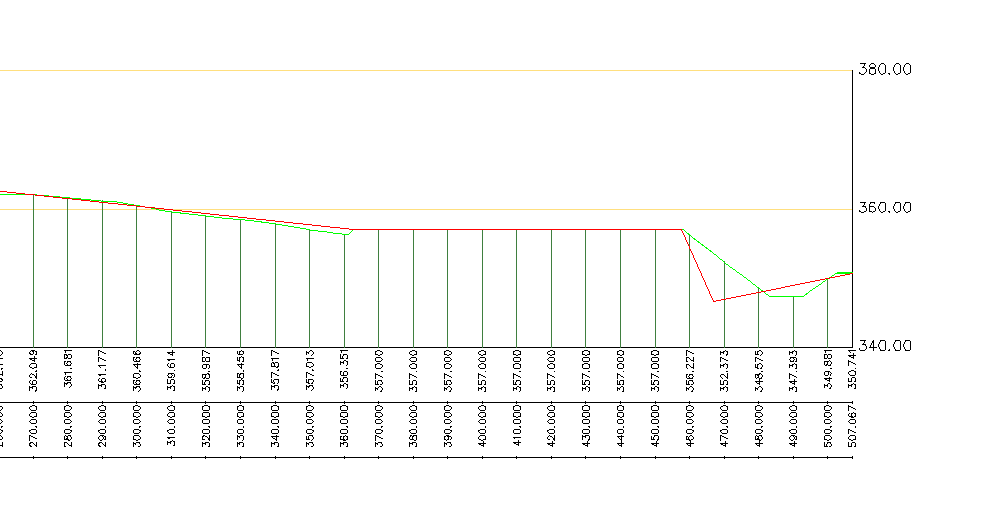
An example is then shown of the adaptation of the vertical alignment between to specific stations.
Before executing the command:

After execution of the command and marking the designated stations with the arrows: