tcpMDT
[PRO] Transition Curve by Pass Through Point - MDT26

Transition Curve by Pass Through Point
 | Command to execute in the CAD |
|---|---|
Vertical menu | MDT26 > Vertical Alignments > Transition Curve by Pass Through Point |
Ribbon menu | V.Alignments > Edit > Crossing Point |
Command line |
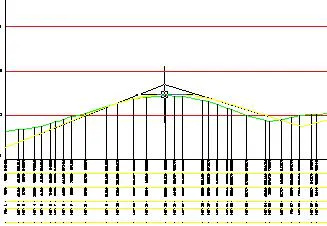
Using this command makes it easier for one to enter vertical transition curves at the different vertices of the vertical alignment selected.
MDT will first request the vertex of the vertical alignment to be edited, followed by the point through which one wishes the vertex's curve to pass. The program will then automatically draw the definitive vertical alignment with the characteristics entered.