tcpMDT
Adapt to Clothoid - MDT26
Adapt to Clothoid
 | Command to execute in the CAD |
|---|---|
Vertical menu | MDT26 > Alignments > Edit Alignment > Adapt to Clothoid |
Ribbon menu | H.Alignments > Edit > Adapt to Clothoid |
Command line |
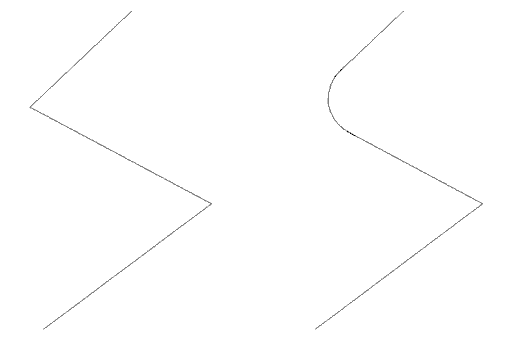
This command is similar to the previous command. In this case, however, a clothoid can be fitted between two straight alignments. The data that should be entered are as follows: Input Parameter, *Radius and Output Parameter*. Possible overlaps are also checked.