
tcpMDT
Parallel to Alignment - MDT26
Parallel to Alignment
 | Command to execute in the CAD |
|---|---|
Vertical menu | MDT26 > Alignments > Create Alignment > Parallel to Alignment |
Ribbon menu | H.Alignments > Create > Parallel to Alignment |
Command line |
This utility enables parallels to an alignment drawn on screen to be constructed. In order to do so, the horizontal alignment in question is selected and the Offset to be applied entered with its corresponding sign (negative to the left, positive to the right). The program will then draw the new alignment as a polyline. Parallels having other adjustments to the same horizontal alignment may be calculated without exiting from the command.
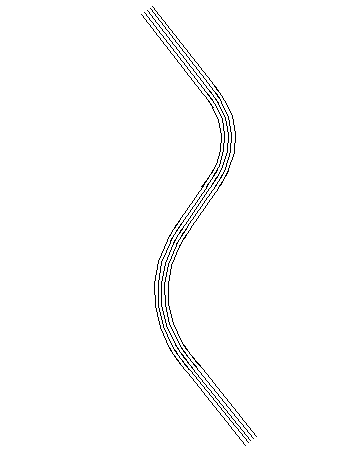
It should be noted that in order to calculate parallels to clothoids, the program respects their entry and exit parameters. This is why they are not really parallel along the whole of their path. This limitation cannot be overcome, since the geometrical figure parallel to a clothoid is not a clothoid.