tcpMDT
Check Road Regulations - MDT26
Check Road Regulations
 | Command to execute in the CAD |
|---|---|
Vertical menu | MDT26 > Alignments > Utilities > Check Road Regulations |
Ribbon menu | H.Alignments > Utilities > Rules |
Command line |
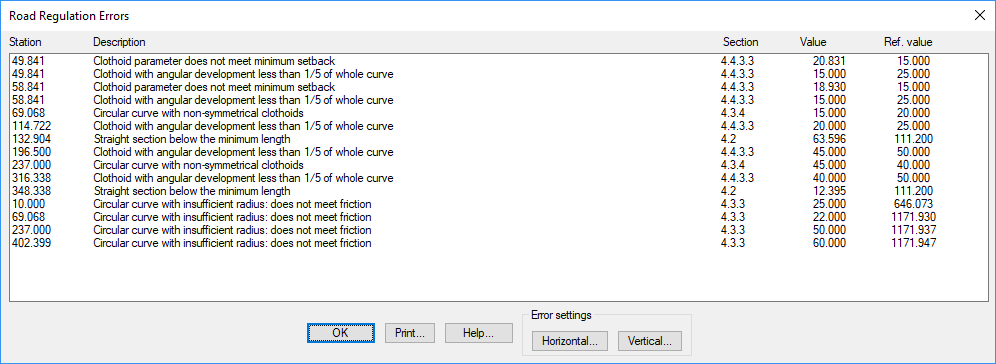
This command checks the geometrical characteristics of a horizontal alignment, in accordance with the road regulations configured in the program.
To do this, the program requests a horizontal alignment or segment file, and then, after requesting a set of parameters, which may be different according to regulations, it presents a report with the errors found.