tcpMDT
Circular Alignment - MDT26
Circular Alignment
 | Command to execute in the CAD |
|---|---|
Vertical menu | MDT26 > Alignments > Create Alignment > Circular Alignment |
Ribbon menu | H.Alignments > Create > Circular Alignment |
Command line |
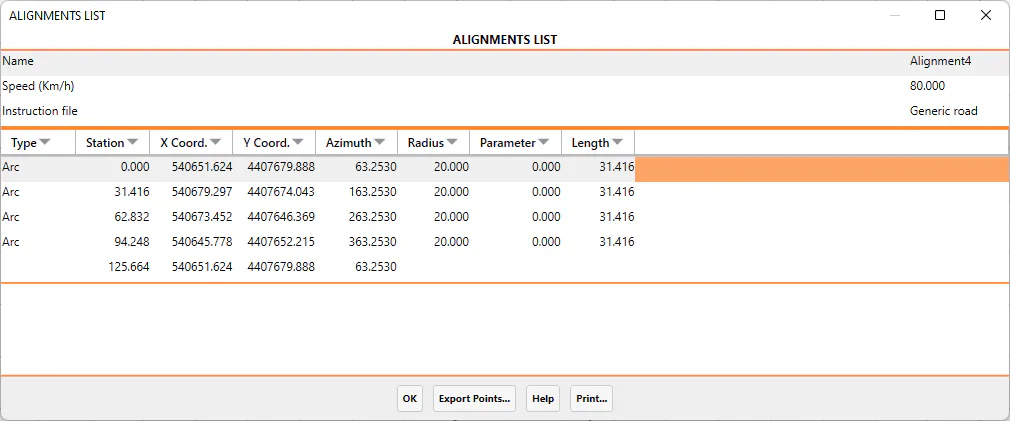
This tool enables circular horizontal alignments to be created. It is useful for creating roundabouts.
MDT initially requests the horizontal alignment's Centre, then its Radius and finally its Origin or the position of the initial station, temporarily changing the selection to the closest CAD point.