
tcpMDT
Convert Profile from Drawing - MDT26
Convert Profile from Drawing
 | Command to execute in the CAD |
|---|---|
Vertical menu | MDT26 > Profiles > Create Profile > Convert Profile from Drawing |
Ribbon menu | L.Sections > Utilities > Convert Drawing |
Command line |
This command is particularly useful to obtain long sections in ASCII format from a long section represented on the drawing or from a polyline representing the profile.
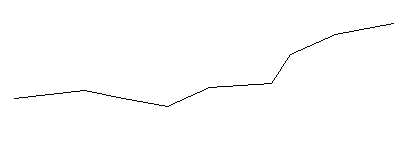
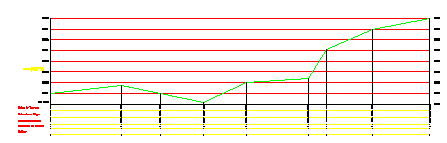
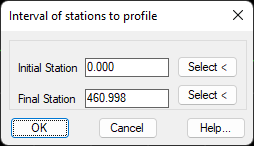
If a long section drawn with MDT is selected, the program will automatically detect it. It will then request the file in which one wishes to save the data, though previously it will request the initial and final stations of the new profile to be generated for the possibility of selecting it on the same drawing.
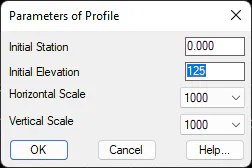
On the contrary if we select a polyline, MDT will need some additional data to generate the long section from it. In a data window it will request the Horizontal Scale, Vertical Scale, Initial Station and Initial Elevation, and then the same process as in the case of selecting a profile drawn with MDT.
In both cases, the file generated will have the .LON extension.