tcpMDT
Project Polyline to Long Section - MDT26
Project Polyline to Long Section
 | Command to execute in the CAD |
|---|---|
Vertical menu | MDT26 > Profiles > Drawing > Project Polyline to Long Section |
Ribbon menu | L.Sections > Drawing > Project Polyline |
Command line |
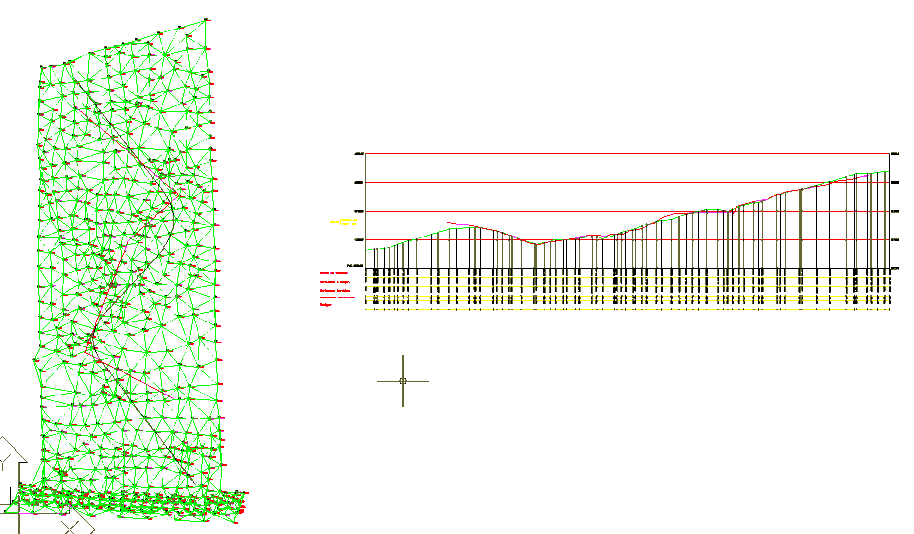
This option will allow us to project a 3D polyline situated in our work with regard to a long section obtained in the same work or model. With this in mind, the longitudinal must first be drawn on which it is wished to project the polyline.
Initially, the command will request the method by which the polyline or polylines to be projected on the longitudinal are going to be selected, with two possibilities:
Select: We will graphically select all the 3D polylines we wish to project.
By Layers: We will select the layers on which the polylines to be projected are situated. In this case, it is important that the selected layer only contains the polylines to be projected and no other element.
The command will then request the following information:
Long Section: Graphic selection of the longitudinal profile on which the designated polylines are to be projected.
Alignment: Alignment from which the longitudinal on which the 3D polylines are to be projected has been generated.
The following is an example of this command's use.