
tcpMDT
Convert Station from Cross Section - MDT26
Convert Station from Cross-section
 | Command to execute in the CAD |
|---|---|
Vertical menu | MDT26 > Profiles > Create Profile > Convert Station from Cross-Sections |
Ribbon menu | L.Sections > Utilities > Convert a Cross-section Station |
Command line |
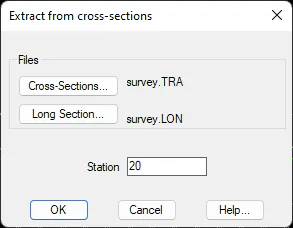
This tool serves to obtain a long section file from some cross-section profiles and a specified station. The process transforms the cut of the selected station into a long section, taking 0.000 as the distance of the furthest vertex of the cut. The program simply asks for the file of cross-section profiles to use as a reference, the station of the cut to extract, and the name of the long sections file to contain the results, making the conversions.
Example: Cross-section and long section obtained after extracting the Station 20.
0.000 -18.520 43.887 TRI | 0.000 44.611 TRI |
|---|---|
0.000 -12.750 44.291 TRI | > 0.965 44.670 TRI |
0.000 -8.769 44.612 TRI | 5.766 44.055 TRI |
0.000 0.000 45.318 Axl | 13.273 45.434 TRI |
20.000 -17.105 44.611 TRI | 26.421 46.121 TRI |
20.000 -16.140 44.670 TRI | |
20.000 -11.339 44.055 TRI | |
20.000 -3.832 45.434 TRI | |
20.000 9.316 46.121 TRI | |
40.000 -14.961 43.283 TRI | |
40.000 -11.047 43.949 TRI | |
40.000 -9.458 44.159 TRI | |
40.000 -5.009 47.678 TRI | |
40.000 0.000 48.201 Axl | |
40.000 3.462 47.503 TRI | |
40.000 11.611 48.129 TRI | |
40.000 17.226 48.435 TRI | |
40.000 19.677 49.094 TRI |