tcpMDT
Filter Cross Sections - MDT26
Filter Cross-sections
 | Command to execute in the CAD |
|---|---|
Vertical menu | MDT26 > Cross-sections > Edit > Filter Cross-Sections |
Ribbon menu | |
Command line |
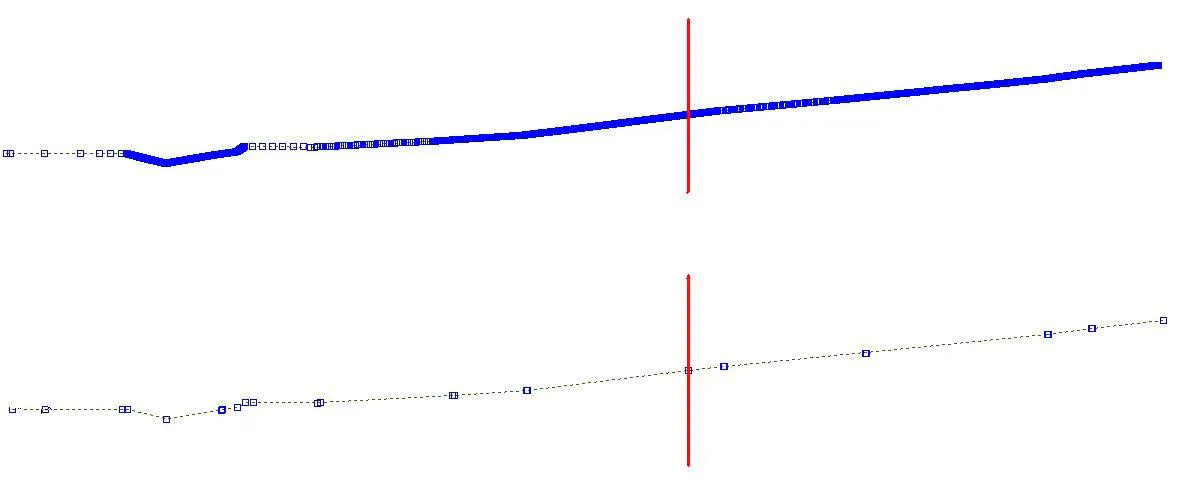
This tool is used to reduce the number of vertices in a cross-section file.
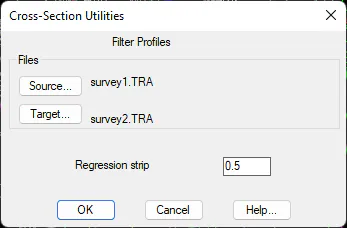
The program requests the file to be processed and the size of the Regression Strip. It then deletes all the vertices beyond that strip.
The image below displays an example of the application of this command, with a regression strip of 0.5.