tcpMDT
Find Cross Sections - MDT26
Find Cross-sections
 | Command to execute in the CAD |
|---|---|
Vertical menu | MDT26 > Cross-sections > Find Cross-Sections |
Ribbon menu | X.Sections > Drawing > Find |
Command line |
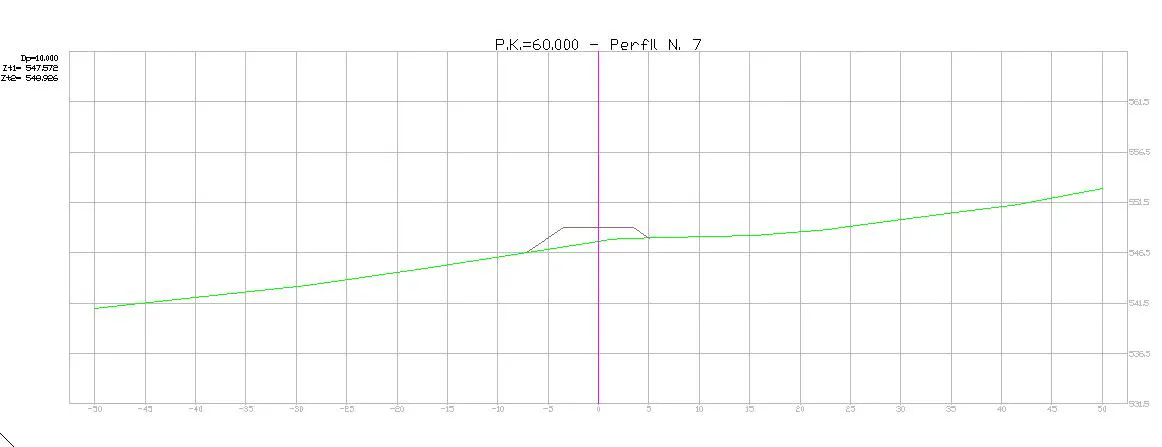
Using this command, one can locate the cross-section corresponding to a certain station on a cross-section matrix by zooming around it. Should there be more than one cross-section profile matrix in the command line, a message is issued requesting one to select the horizontal alignment of the matrix in which one wishes to search