tcpMDT
Project Points on Plan - MDT26
Project Points on Plan
 | Command to execute in the CAD |
|---|---|
Vertical menu | MDT26 > Cross-sections > Drawing > Project Points to Plan View |
Ribbon menu | |
Command line |
This tool is designed to calculate points over the survey from points selected in the drawing of cross sections. It would be really the opposite of the previous command, so that we would calculate the projection of the designated points on the cross sections drawn.
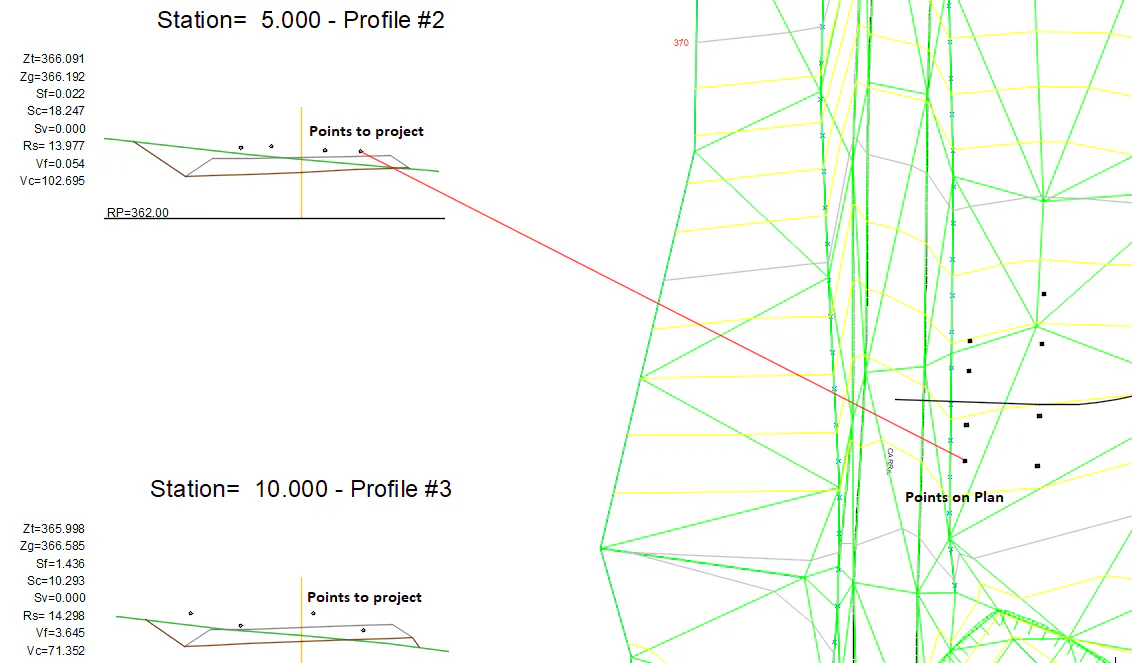
The program will ask for the following data:
Horizontal Alignment in order to project points
Axis of the cross section drawn
Points to project, selected on the drawing of cross section, that would be automatically drawn on the survey.
After entering these parameters, the program will ask for the block we want to draw on the survey.
This block can be selected from a list.
This process could be repeated as often as cross sections have then drawn.
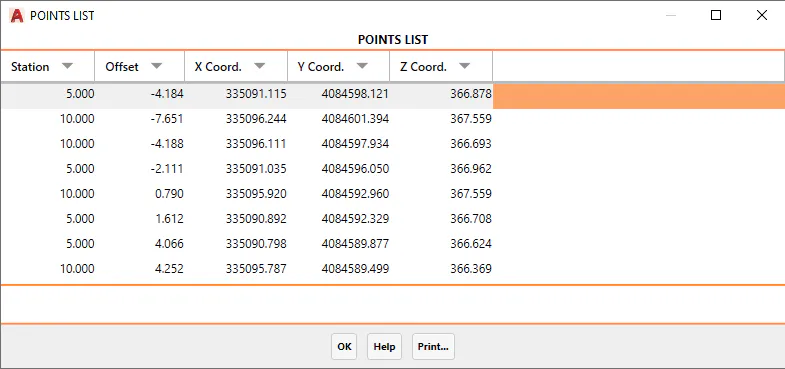
After finishing the execution of the command, a list of all points calculated will be shown.