tcpMDT
Create by Interior Point - MDT26
Create by Interior Point
 | Command to execute in the CAD |
|---|---|
Vertical menu | MDT26 > Plots > Create > Create by Interior Point |
Ribbon menu | Plots > Plots > Interior Point |
Command line |
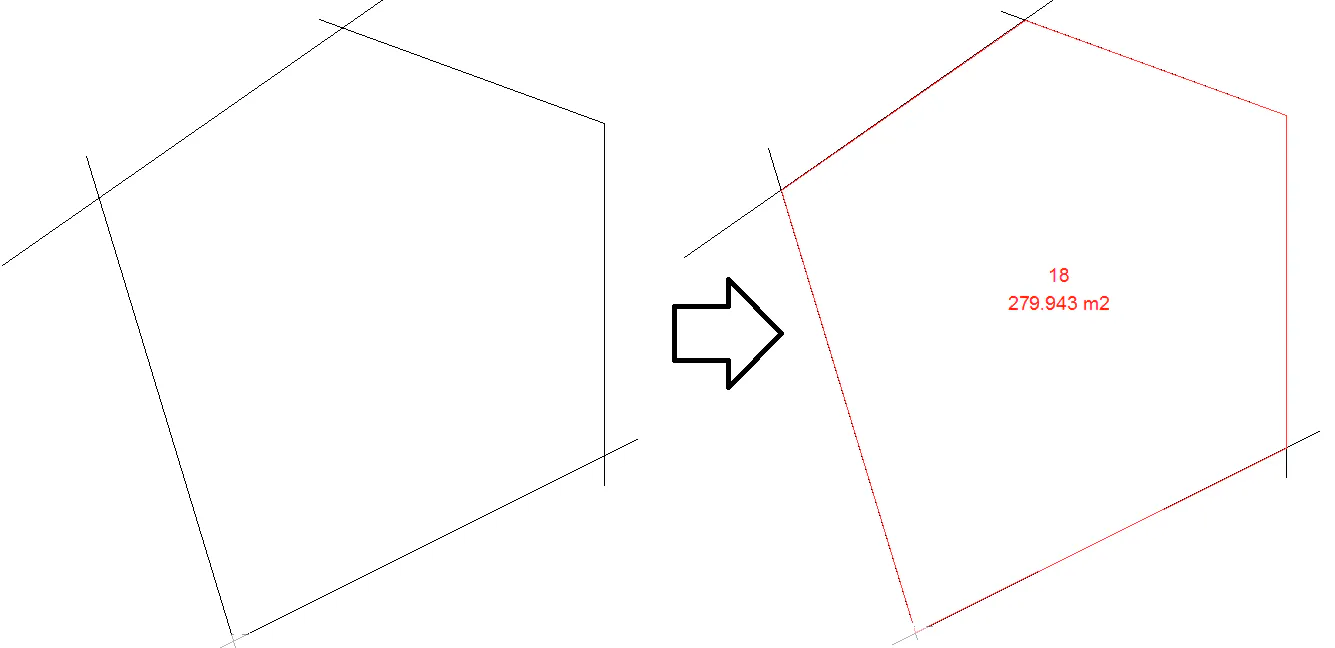
In this case, the definition of the plot will be made from the designation of an interior point to a polygon. This polygon can be a closed polyline or a set of polylines or lines that form a closed contour.
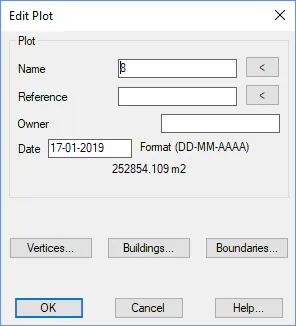
Once the point is designated, the property window of the plot will appear, in which the name can be specified among their properties.
In the following image you can see the result of converting lines and polylines to a plot.