
tcpMDT
List Plots - MDT26
List Plots
 | Command to execute in the CAD |
|---|---|
Vertical menu | MDT26 > Plots > List Plots |
Ribbon menu | Plots > Plots > List |
Command line |
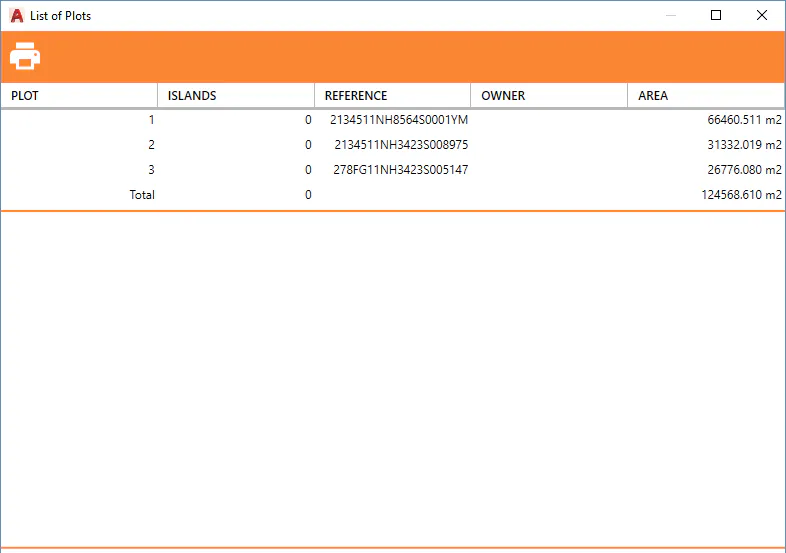
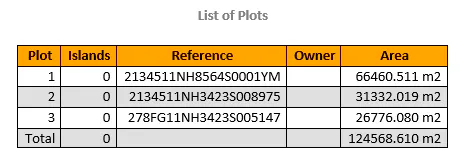
This shows information about the name, owner, reference and area of all plots of the drawing. The number of islands associated with each of the plots is also shown.
Print: Send a report to the printer with the information of the plots that appears on the screen.
Find: Displays the plot that has been selected from the list on the screen.