tcpMDT
Create by Polylines - MDT26
Create by Polylines
 | Command to execute in the CAD |
|---|---|
Vertical menu | MDT26 > Plots > Create by Polylines |
Ribbon menu | Plots > Plots > Polylines |
Command line |
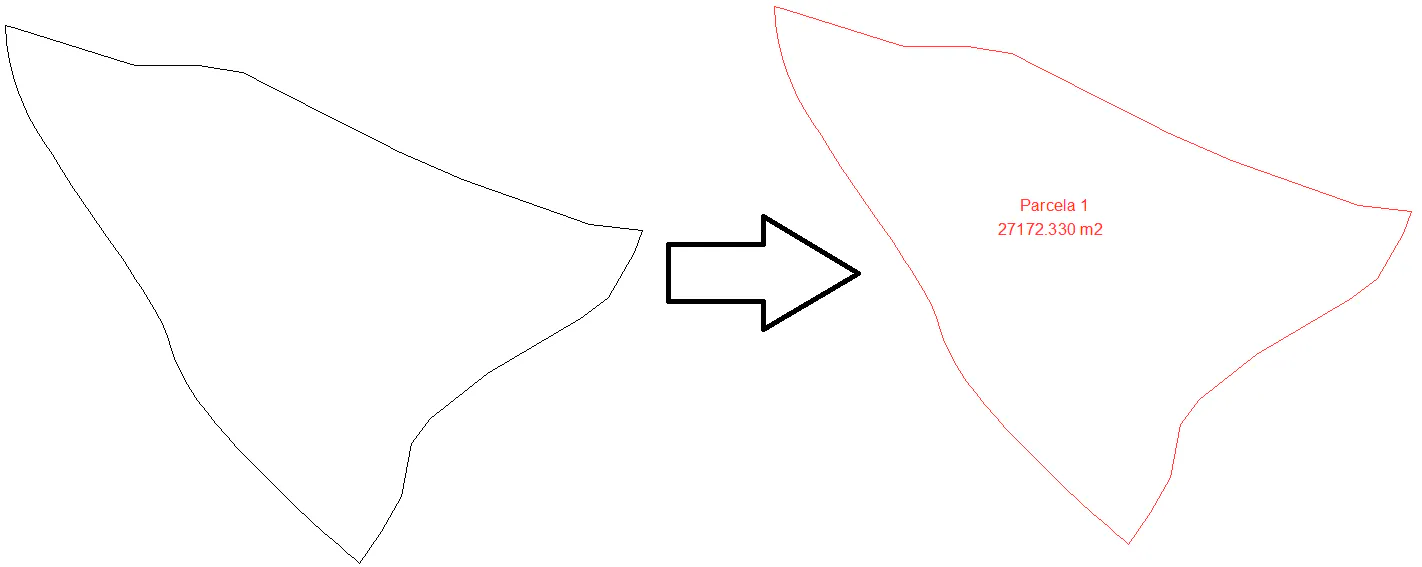
Lets you create a plot from a polyline or set of closed polylines.
If we select a single polyline, a dialogue box will then appear where you can specify the characteristics of the plot to be converted. The characteristics of this window are explained in more detail in the description of the Edit Plot command.
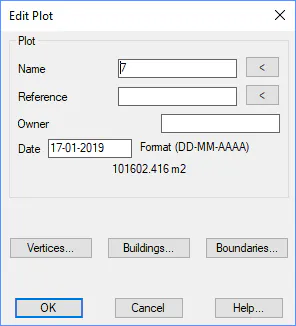
When you select different polylines, the command will ask you to designate the polylines to be converted to finally convert to plots.
In both cases, the new plot will be drawn in its corresponding layer according to the established configuration settings and the name and area of such will be labeled.