tcpMDT
Divide by Parallel - MDT26
Divide by Parallel
 | Command to execute in the CAD |
|---|---|
Vertical menu | MDT26 > Plots > Divide > Divide by Parallel |
Ribbon menu | Plots > Divide > By Parallel |
Command line |
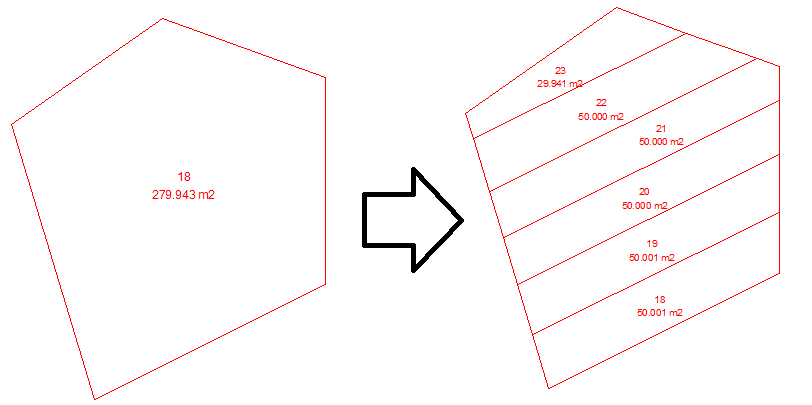
This tool allows us to divide plots parallel to the indicated side. The division can be made by area of the plots to be created, number of plots or distance to the selected side. The steps to follow are:
Select the desired plot.
Select the parallel side where the plots will be created.
Indicate the method for creating the plots:
Number: Enter the number of plots in which we want to subdivide the selected plot.
Area: Indicate the area of the plots to be created.
Distance: Indicate the distance from the side of the selected plot to the opposite side of the plot to be created.
In the following screenshot you can see a plot that has been subdivided into subplots of 50m2.