tcpMDT
Create Islands - MDT26
Create Islands
 | Command to execute in the CAD |
|---|---|
Vertical menu | MDT26 > Plots > Other Constructions > Define Islands |
Ribbon menu | Plots > Plots > Island |
Command line |
This tool allows us to define internal boundaries of plots so that they are part of the plot itself. In the calculation of plot area, the area of each of the islands defined within its perimeter will be automatically deducted.
For definitions, the command requests a polyline and by selecting it automatically converts it to the island, which will number automatically. This type of element is drawn according to the configuration settings.
In the following screenshot we have a plot with the name "2" and contains three islands.
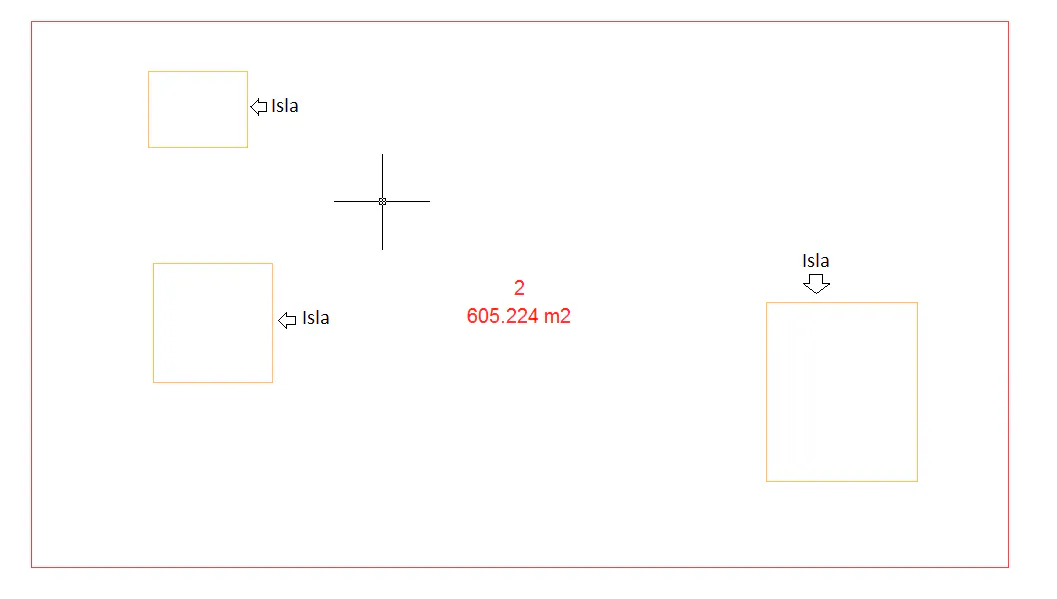
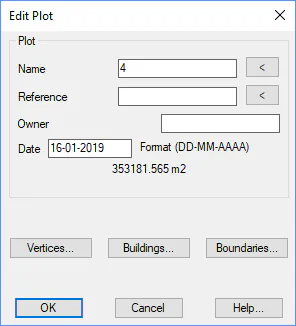
If you edit the plot, in the editing window you can see the islands that contain the plot, as well as the total associated area. In the plot area, the total area occupied by the three islands it contains is already discounted.