tcpMDT
Move Side - MDT26
Move Side
 | Command to execute in the CAD |
|---|---|
Vertical menu | MDT26 > Plots > Move Side |
Ribbon menu | Plots > Divide > Move Side |
Command line |
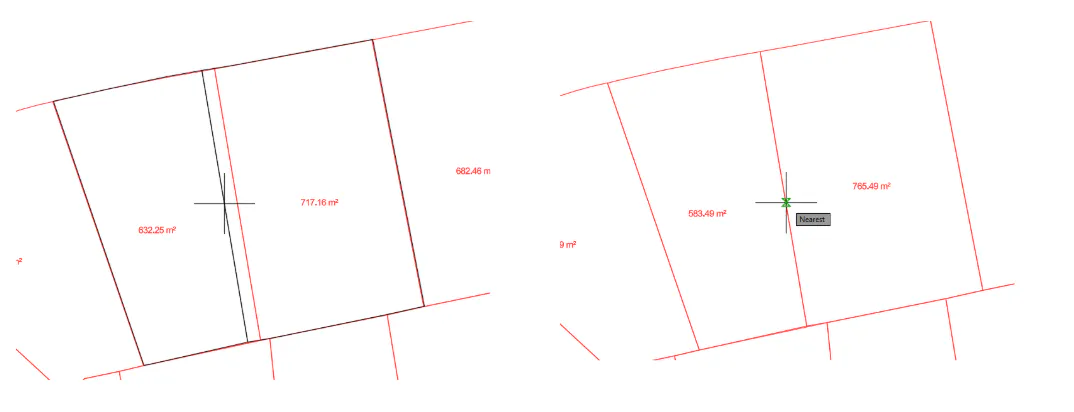
This command allows a plot boundary side to be moved interactively. Adjacent parcel boundaries sharing the same side are automatically updated as well.
When the command is started, the user is prompted for the displacement mode. In both modes the selected side is moved parallel to itself; the difference lies in how its end points are adjusted:
Extend (default option): the end points of the side slide along the extension of the adjacent sides. The adjacent sides keep their azimuth, and the length of the moved side changes depending on the angle it forms with them.
Translate: the end points of the side are moved perpendicular to it. The moved side keeps its length, but the adjacent sides change their azimuth.
The user is then prompted to select the plot side. As the cursor is moved, the affected parcels sharing the common boundary are dynamically updated on screen.
Once the desired position is selected, the affected parcels are automatically modified accordingly. The command allows further sides to be moved with the same mode until Esc is pressed.