
tcpMDT
Create Pool - MDT26
Create Pool
 | Command to execute in the CAD |
|---|---|
Vertical menu | MDT26 > Plots > Other Constructions > Define Swimming Pool |
Ribbon menu | |
Command line |
This command with a special case of enclosure, in this case the "Pool", is completely focused on exporting to GML.
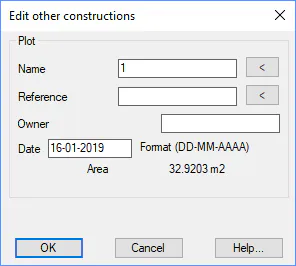
Initially you will be asked for the closed polyline that represents, the pool in this case, and then the following window will appear where the rest of the information will be filled in.
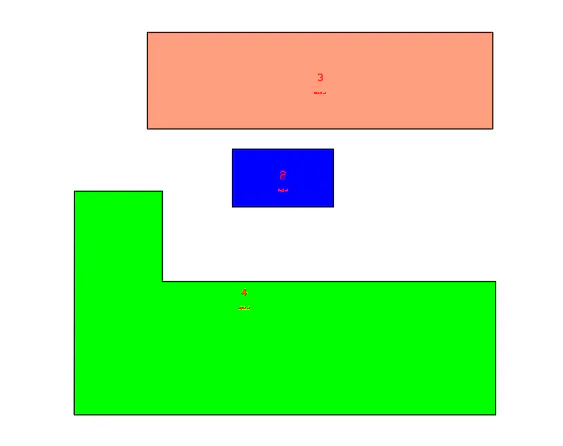
When validating information, it will assign the properties of the Pool to the polyline and apply a light blue or blue texture to differentiate it from the rest of the elements.
 |  |
|---|---|