
tcpMDT
Import GML - MDT26
Import GML
 | Command to execute in the CAD |
|---|---|
Vertical menu | MDT26 > Plots > Import Cadaster GML |
Ribbon menu | Plots > Utilities > Import GML |
Command line |
The user can specifically import one or more files in GML format (Geography Markup Language) used in the Cadaster and other entities.
You can simultaneously select all the files you want to import, and the plots will be automatically drawn in the current drawing. In the case of selecting a Cadaster GML that contains buildings these will also be imported.
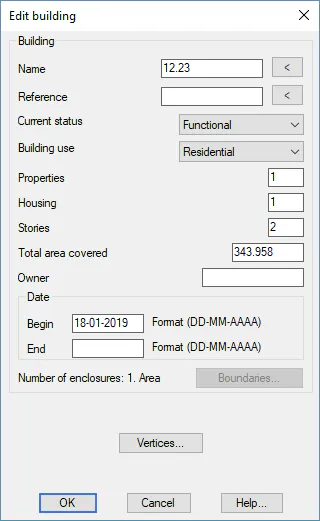
If the selected file or files come from the Cadaster, MDT will automatically assign the attributes of the plots or buildings according to the information found in the selected files.
In the event that the plots do not have an assigned name, it will take as its name the cadastral reference of the same.
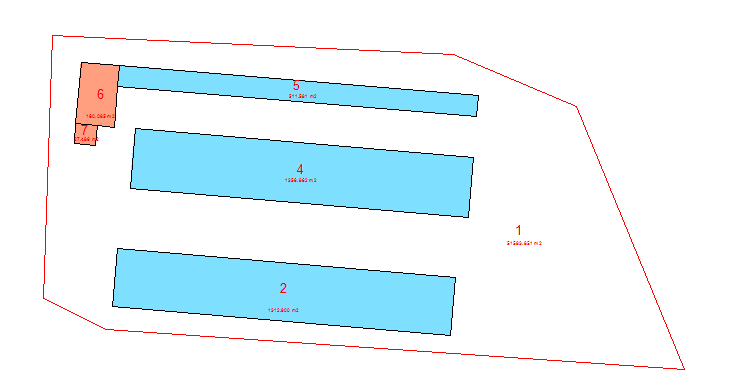
Next, you can see an image of a set of imported GML files, consisting of a plot and several buildings. When editing the plot, you can see how the attributes are assigned automatically.
 |  |
|---|---|