tcpMDT
Plots. Import - MDT26
Import
 | Command to execute in the CAD |
|---|---|
Vertical menu | MDT26 > Plots > Import |
Ribbon menu | Plots > Utilities > Import |
Command line |
This command allows you to import plots from known formats. Initially the file to convert will be requested, the extension and format of the file must be among those supported.
The following describes the supported conversion formats:
LandXML
We will request a file in LandXML format (extension .XML). The plots will be drawn automatically, considering straight or curved sections in the perimeter of the plots.
Shape
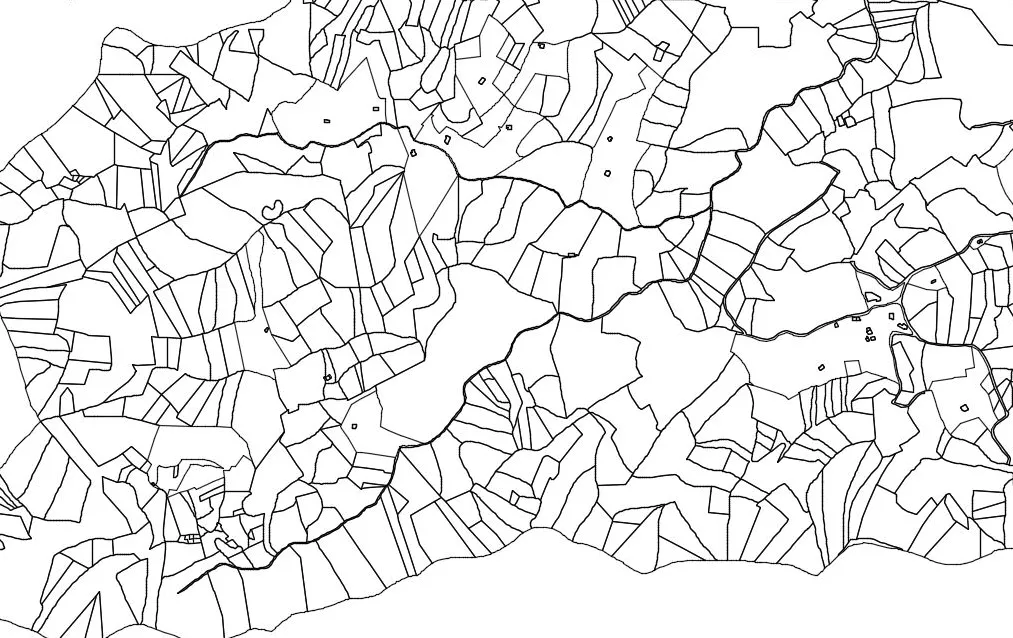
With this option you can directly import a shape file (extension .SHP) with polygonal type entities. The plots will be converted automatically. In the following image you can see the result of importing a certain file.