tcpMDT
Insert Point Cloud - MDT26
Insert Point Cloud
 | Command to execute in the CAD |
|---|---|
Vertical menu | MDT26 > Points > Insert Point Cloud |
Ribbon menu | |
Command line |
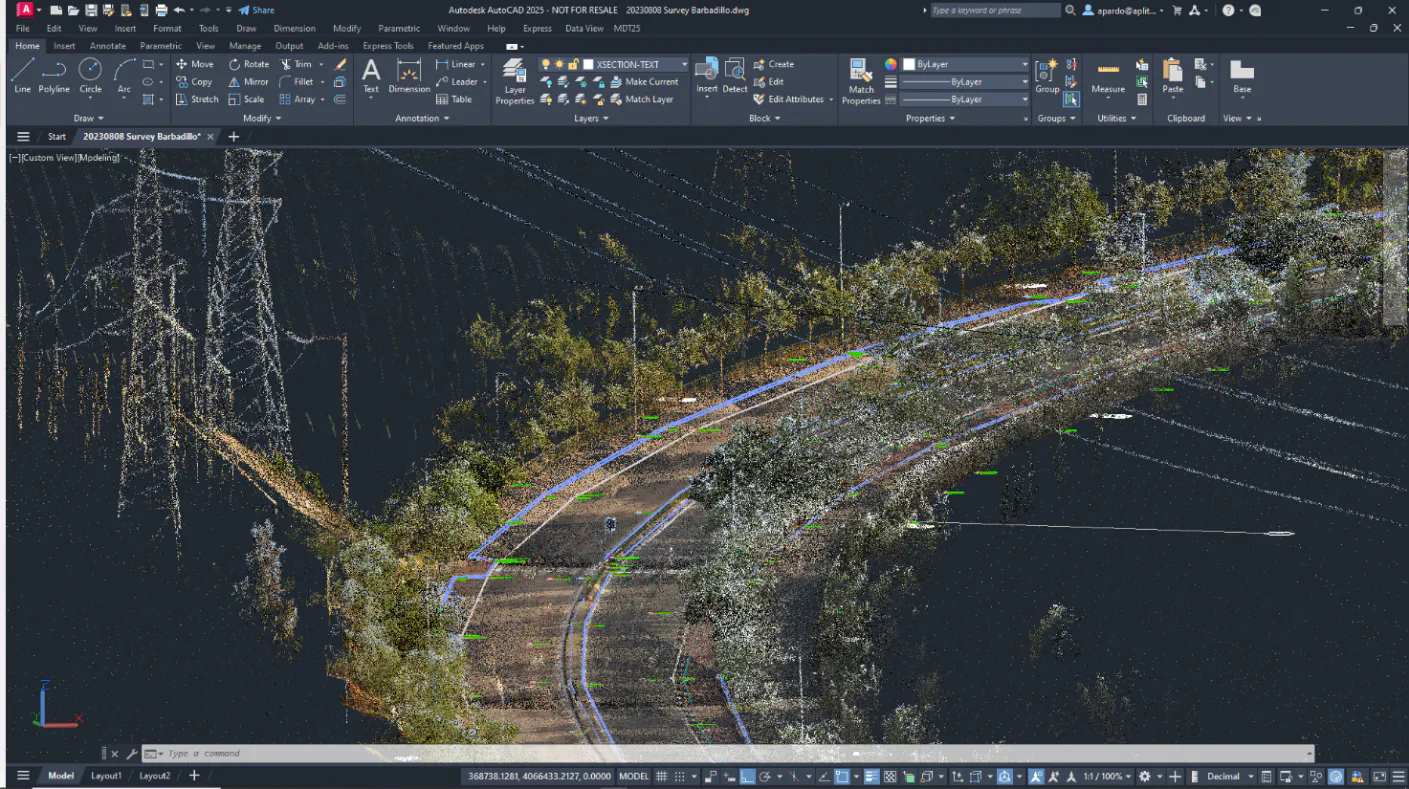
This option manages the CAD point cloud tool. To do so, once the command is executed, it will ask us for the point cloud file and it will be automatically inserted into the current drawing, invoking the ENLAZARNUBEPUNTOS command.
Depending on the CAD and the version being used, there are different available point cloud formats. Below is a table showing the compatibilities based on the supported format.
RCP/RCS | E57 | PTX | PTS | LAS/LAZ | HSPC |
|---|
RCP/RCS | E57 | PTX | PTS | LAS/LAZ | HSPC |
|---|---|---|---|---|---|
AutoCAD 2019 or higher | Yes | No | No | No | No |
BricsCAD compatible | No | Yes | Yes | Yes | Yes |
GstarCAD compatible | Yes | Yes | Yes | No | Yes |
progeCAD compatible | Yes | No | No | No | Yes |
ZWCAD compatible | No | Yes | No | Yes | Yes |